PLAN AND FINISH
Zombie love story photo guide
Choose better zombie love story photos. Compare portrait framing, lighting, crops and role assignments before uploading two adult faces for your video.
THE PERSON YOU WOULD STILL CHOOSE
Cast yourself and your partner in a 15-second film with sound. Two adult portraits become a tense encounter, a moment of recognition and an embrace in an earlier, happier memory.
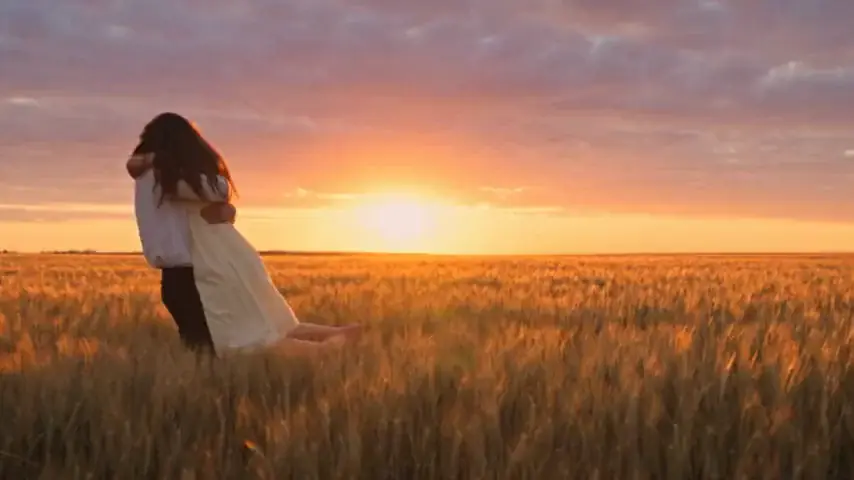
Choose the two people, check their roles and create a short film about your connection.
JPG, PNG or WebP · Up to 8 MB per photo
Your photos stay private. You choose when to create.
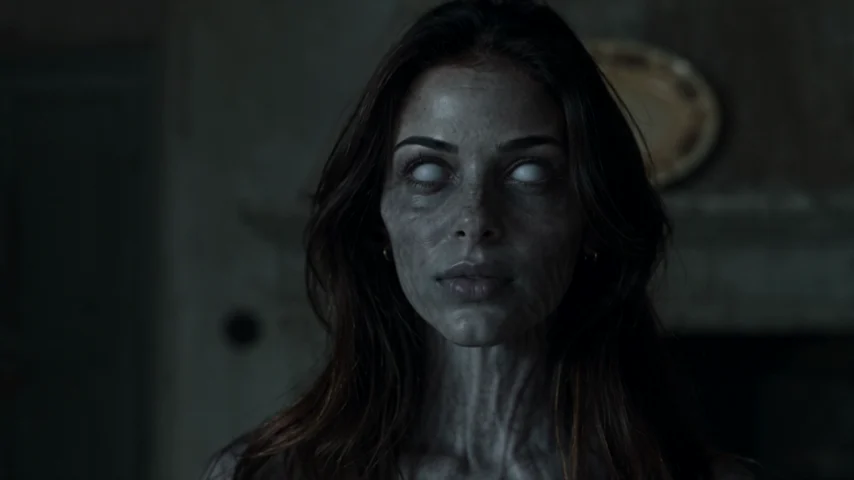
A familiar face in a changed world.
FROM OUR EXAMPLE FILM
THE ENCOUNTER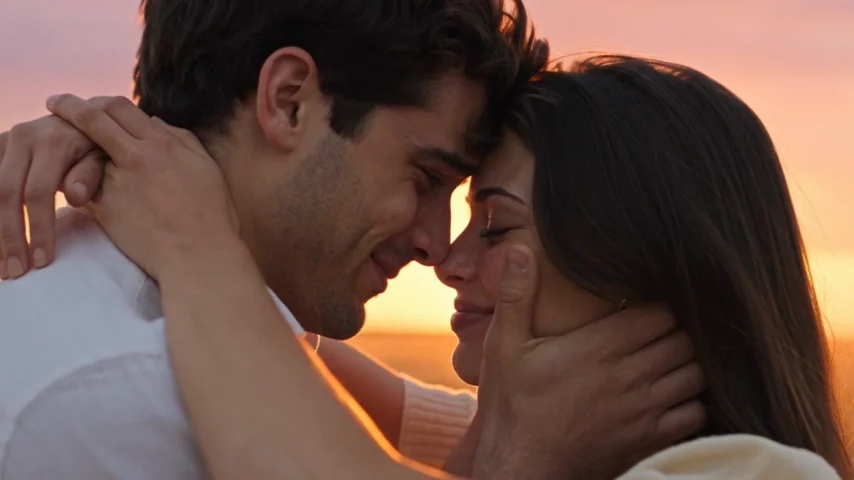 THE MEMORY
The pale face belongs to the present; the close embrace belongs to an earlier memory. The partner is healthy in the memory because it takes place before the infection. From the AI Zombie example film. Your faces, motion and timing can differ.
An AI zombie love story works when the viewer can follow the same relationship through both scenes. Start with one clear portrait of each adult. Ordinary photos are enough; you do not need zombie makeup, matching outfits or a picture of you hugging.
Put the person who becomes the zombie in “The one who turns.” Put the human partner in “The one who stays.” The roles follow the labels, not gender or which person usually takes the photo. Read both labels again after swapping the pictures.
Use portraits of yourself and your partner with permission from both people. Check that you are both comfortable appearing in the tense opening as well as the affectionate memory. The film should portray a relationship you both agree to show.
Choose portraits for both charactersIn the opening, the survivor recognizes a loved one who has turned and opens their arms. The infected partner lunges forward. At contact, the film cuts to an earlier, happier moment, where that movement continues as a loving embrace.
The bright ending does not show the zombie being cured. It remembers the person and the connection that existed before the encounter. That distinction makes the embrace more than a change in skin color or lighting: the gesture links the present to the past.
Our generator supplies this prepared two-person narrative. You choose the cast and frame; you do not select a different location, write dialogue or change the ending. If you want to build another story manually, the prompt guide explains how to define your own scene instructions.
Plan a story with an original editing promptSign in, add both portraits and select 9:16 or 16:9. The tall frame suits a phone-screen story; the wide frame gives the setting more room. JPG, PNG and WebP photos are accepted, up to 8 MB each. Confirm that both adults authorize using their pictures.
Generating a film uses one paid video credit. One-time packs start at $9.90; buying a pack does not automatically start a video. Review the photos and settings, then confirm generation when you are ready. A new version uses another credit.
Once started, the task continues in the background. Open My videos in the same account to follow progress. The result is a 15-second MP4 with music and ambient sound. Download it within 30 days unless you delete it sooner.
Follow the complete creation walkthroughOn your first watch, ask whether you can understand the relationship without a caption. On your second, look at each face in the opening and the memory. A beautiful setting cannot compensate for a character who looks like a different person halfway through.
Check the arms and hands during contact, then listen through the change in scene. AI can alter facial details, clothing, movement and timing. The film is a fictional interpretation of your portraits, and exact likeness or a perfectly matched embrace is not guaranteed.
Keep a local copy before sharing. Show it to the other person first, and describe it as AI-generated if you post it. You can keep the supplied sound or add a song you have permission to use in your own editor.
Finish your film for a vertical postNo. You assign the two roles using the upload labels. The prepared narrative does not require a particular gender pairing.
Prepare two separate images with one adult in each. A group or couple photo leaves several faces competing for the same role. See the photo guide for crop advice.
This generator uses a prepared story and does not accept custom scripts or spoken dialogue. You can add a caption or voiceover later in your own editor.
The example and guides are free to view. Generating your own video requires a paid credit, with one-time packs starting at $9.90. There is no free generation trial or subscription.
Two adult portraits, a moment of recognition and a memory worth keeping.